
Available on Google Play
Hexpit for Android
Hexpit for Android puts the small utilities you reach for during a debugging session on your phone, 79 of them in one app. It is free, needs no account and shows no ads. Telemetry: zero.
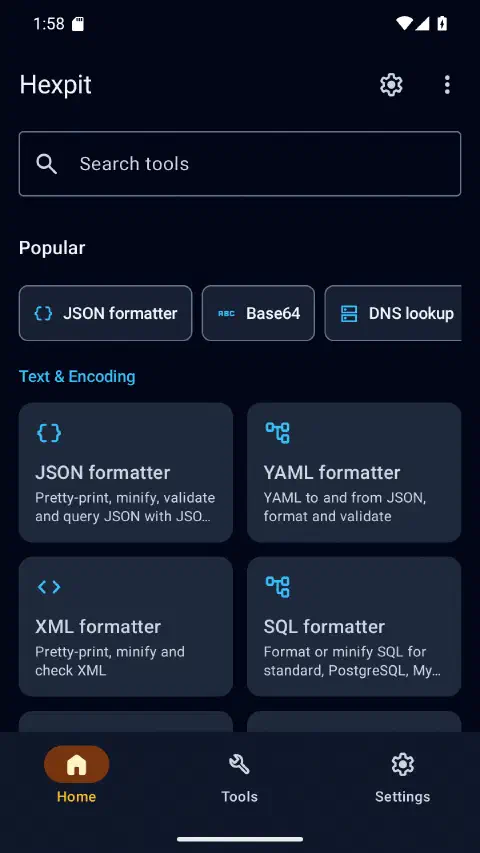
HomeSearch, popular tools and the tool groups. 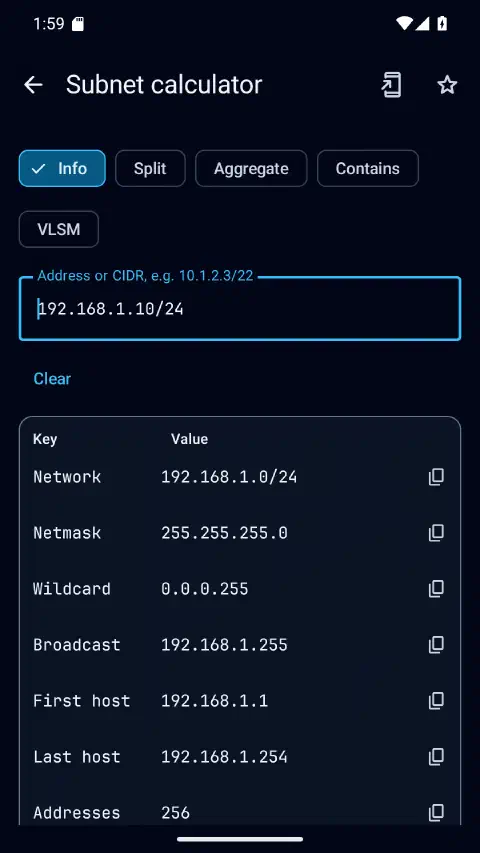
Subnet calculatorInfo, Split, Aggregate, Contains and VLSM. 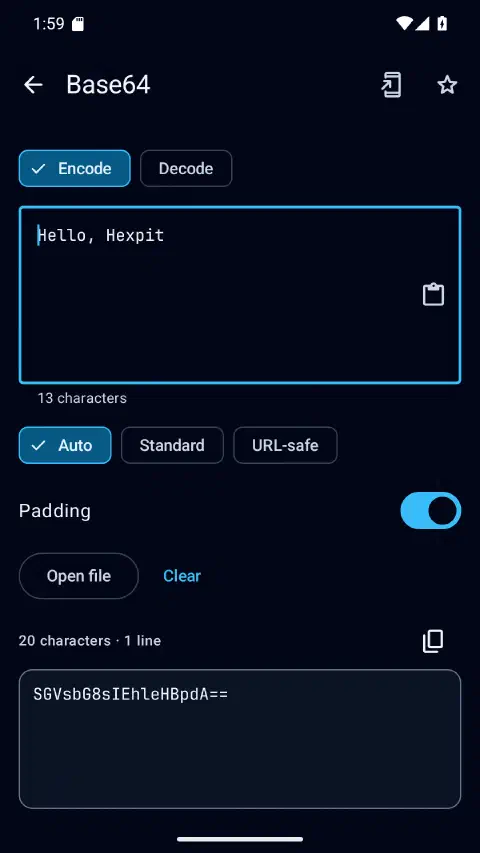
Base64Standard and URL-safe, text or files. 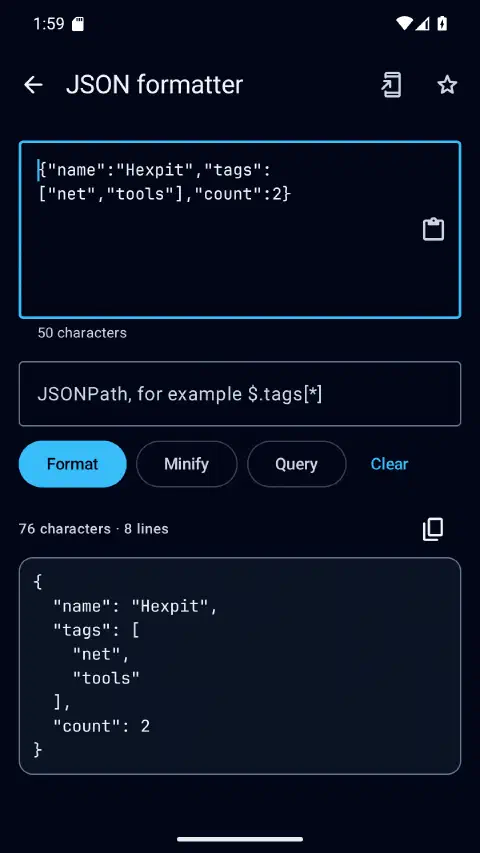
JSON formatterFormat, minify, validate and query.
What it does
Decode a JWT or a certificate, read a DER structure, build a cron expression, convert and format JSON, YAML, XML and SQL, calculate subnets, look up DNS records, probe a TLS handshake, check a port, or decode the smart card and SIM data that other tools hide.
The tools run on the device. Options and saved profiles stay on the phone, encrypted.
What only the phone does
Some tools need the hardware or the network that a phone has: Wi-Fi info and scan, NFC tag reading, the compass, spirit level and sensor dashboard, and the network tools such as ping, port scan, TLS probe, DNS lookup and Wake-on-LAN. They are in the Android app only.
Network tools
The network tools connect only when you run them, and only to the host you enter. A few, such as My IP, contact a fixed public service when you tap their button. Use them only on systems you own or are allowed to test. The full list of what can leave your phone is on the Telemetry: zero page.
Requirements
- Android 13 or newer.
- Installed and updated through Google Play.
Privacy on Android
- No account, no analytics, no crash reporting and no ads. The app has no backend of ours.
- Camera and location are asked for only when you tap a feature that needs them, never at launch. The permission list is exported from the app build.
- Saved connection profiles, passwords and keys are encrypted with the Android Keystore and left out of backups.
The full policy is on the privacy page.