
Available on the Microsoft Store
Hexpit for Windows
Hexpit for Windows is the same independent toolbox, built as a native Windows app. It has 98 tools for decoding, inspecting, converting and formatting, with keyboard-first navigation and a dark theme by default. It is free, needs no account and shows no ads.
Get it from the Microsoft Store
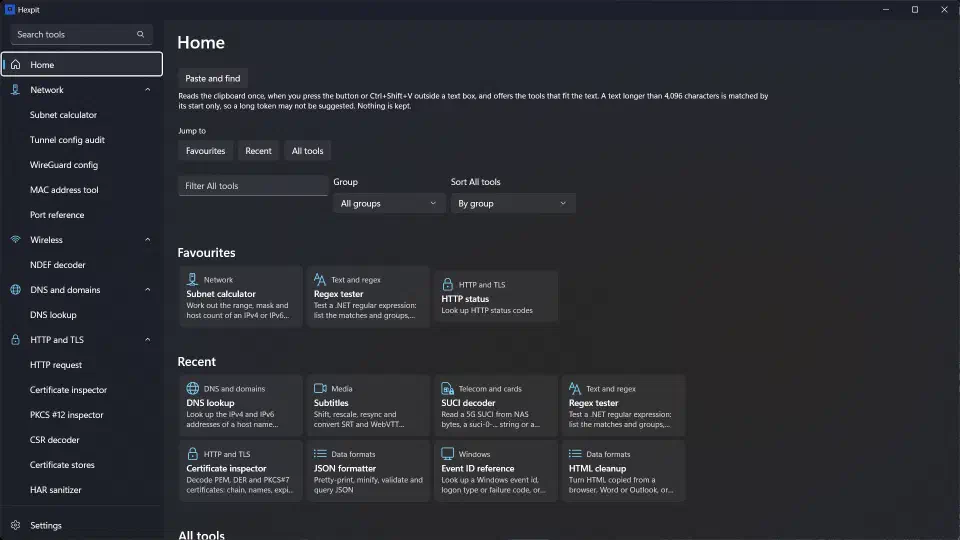
HomePaste and find, favourites, recent tools and every tool by group. 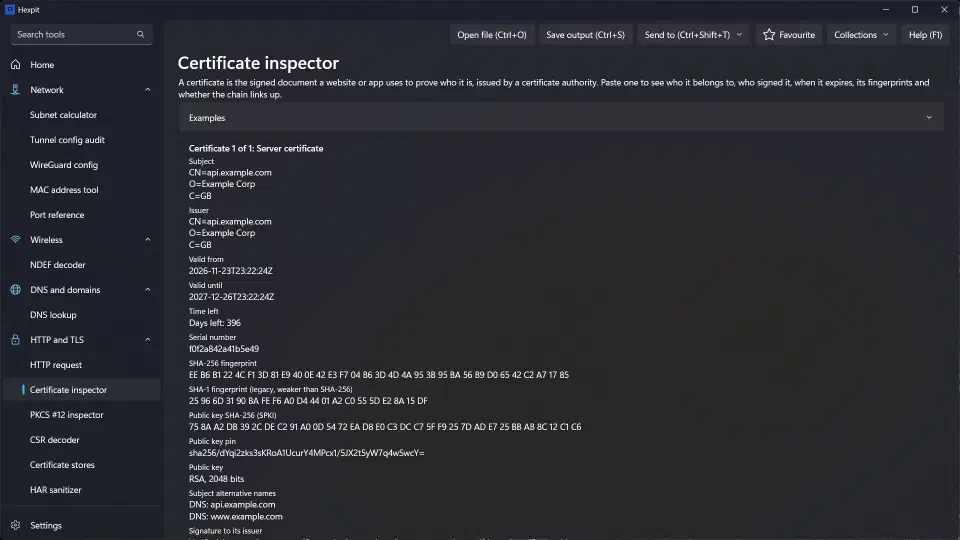
Certificate inspectorNames, dates, fingerprints and findings for PEM, DER and PKCS#7. 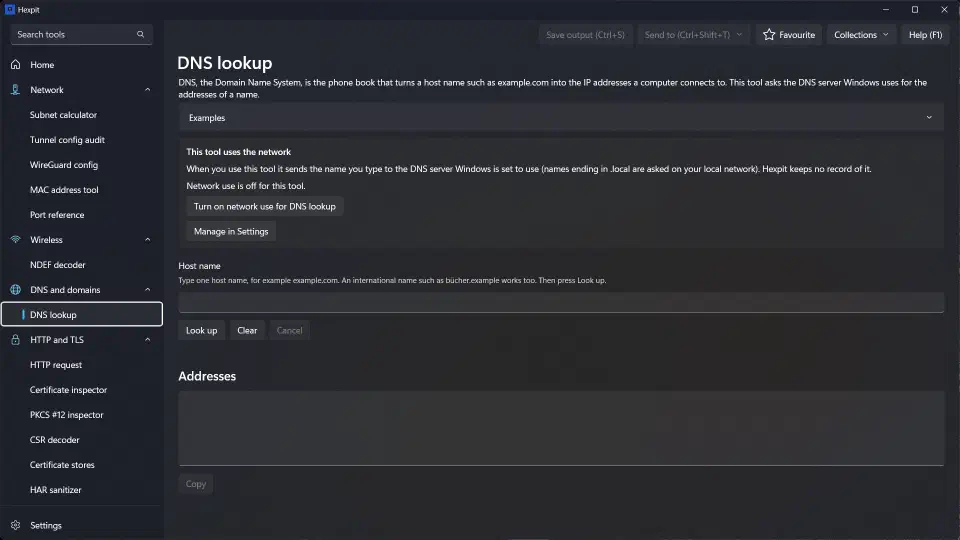
DNS lookupNetwork use is off until you turn it on, per tool.
What it does
Decode a JWT, a certificate, a CSR or a PKCS #12 file. Read an ASN.1 or BER-TLV structure. Format and convert JSON, YAML, XML, SQL and Markdown. Work out subnets, cron expressions and timestamps. Decode HRESULT and SDDL strings. Inspect connection strings, the PATH, a hosts file or a .reg file before you merge it. The tools work on what you paste or open, on your PC. Two tools, DNS lookup and HTTP request, use the network: each is off until you turn it on in that tool, and sends only when you press its button.
Requirements
- Windows 10 version 2004 or newer, or Windows 11, on a 64-bit (x64) PC.
- Installed and updated through the Microsoft Store.
Privacy on Windows
- Hexpit’s own code collects nothing. It has no account, no analytics, no ads and no server of ours.
- The Windows App SDK, which the app is built on, may send Microsoft usage data under your Windows diagnostic settings.
- Hexpit sends no crash data of its own. Windows Error Reporting is controlled by your Windows diagnostic and crash settings. If an administrator has turned on local crash dumps, Windows may save a memory image of Hexpit on this PC.
- The Microsoft Store handles the install and updates under Microsoft’s own policy, and it gives the developer install statistics.
The full policy is on the privacy page.